Create a vCard QR Code to Share Your Contact Details Instantly
A QRNow vCard QR code opens a mobile-friendly digital contact card containing your professional details. Visitors can review your information and choose to save it to their phone, while you can update the hosted card without reprinting the QR code.
This type of QR code is a strong upgrade for networking that lets you:
- Easily share your contact information, improving both your connectivity and professionalism.
- Give a modern look to your business by using digital cards instead of traditional paper cards.
- Share your contact information without worrying that clients will lose your physical card.
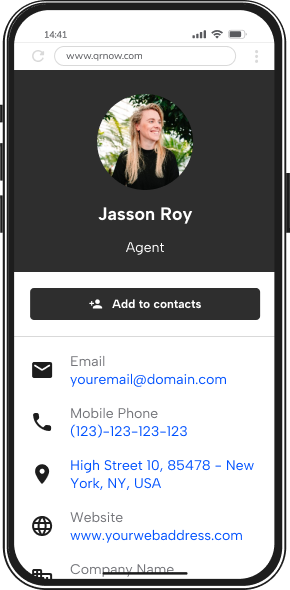
QRNow data insight: At QRNow, 63.5% of vCard QR code users are small businesses, medium companies account for 12%, and freelancers and independent professionals make up 18%. Whether you're growing a team or building a personal brand, a digital business card makes staying connected much easier.
Based on aggregated and anonymized QRNow customer usage data collected in 2025.
Make QR Codes for vCards and Network Anywhere, Anytime
Creating a vCard is simple with our generator during your trial period. Follow these 3 easy steps to create your own digital business card:
-
Choose the contact details to include
Gather the professional details you want to share with clients and potential partners. Include your name, job title, the name of your business, phone number, and email.
-
Enter your information
Fill in your contact information in our generator. Customize fields to include your full name, business, contact info, and links to your LinkedIn profile or company website for a complete digital business card.
-
Download your vCard QR Code
Customize the design of your vCard to match your brand's identity with our generator, then download your personalized QR code and add it to your business cards, email signatures, or any other marketing material
Share Your Business’s Contact Info Easily With a vCard
This upgraded digital contact format offers dynamic and versatile solutions. Below are ways you can use a vCard to improve your business’s outreach.
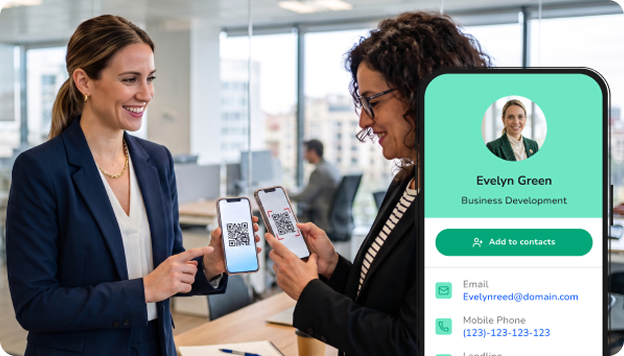
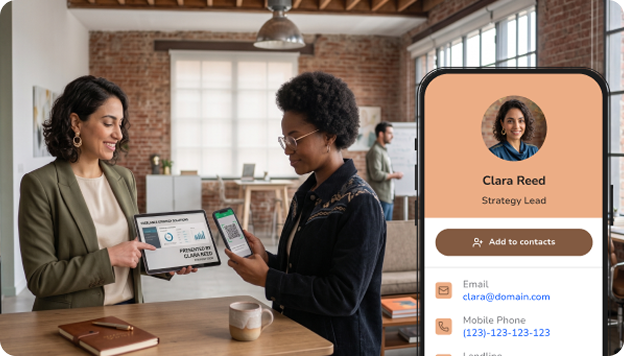
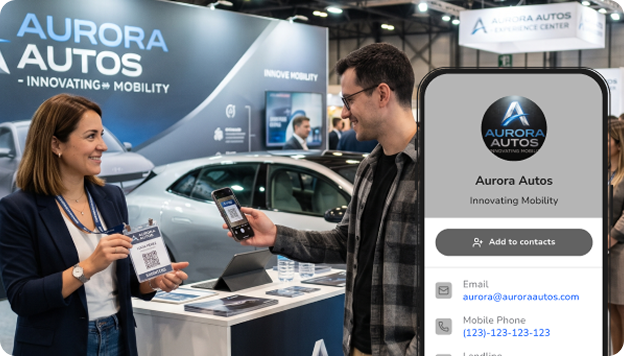
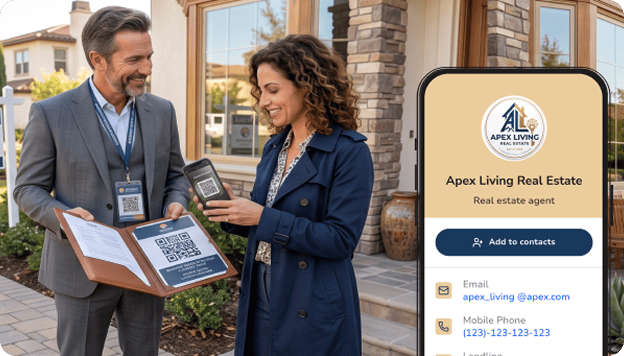
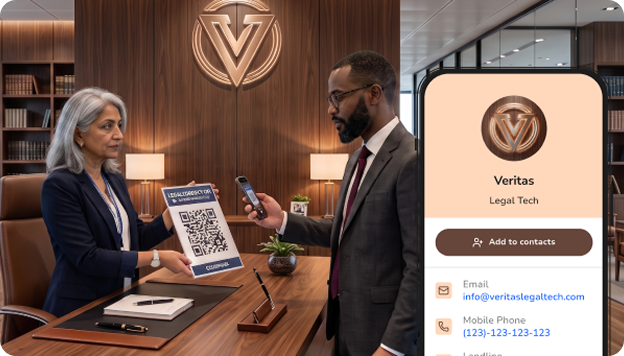
QRNow data insight: Our vCard QR codes are used across a wide range of sectors. Freelancers represent around 18% of users, followed by Construction and Real Estate at 15%. Retail and eCommerce, Health and Wellness, and Professional Services each account for 12%. Tourism and Entertainment (9%) and Manufacturing (6%) also rely on sharing digital contacts. Even Finance, Technology, and Art-related businesses can use them to simplify follow-ups!
Based on aggregated and anonymized QRNow customer usage data collected in 2025.
How a Plumbing and HVAC Business Shares Its Contact Details With One Scan
The scan data below comes from one of our vCard QR code customers, a plumbing and HVAC services provider.
Customers can simply scan their QR code and save the business’s contact details directly to their phones.
This makes it easier to get in touch when they need a quote, schedule a service, or recommend the business to someone else.
Here are some insights from the QR code’s scan activity:
- QR code scans totaled 1,182 over the 16-month period from February 2025 to June 2026.
- Engagement was highest in March 2026 with 153 scans, following an increase that began toward the end of 2025.
- Traffic remained stable at between 50 and 70 monthly scans for most of 2025 before increasing in Q1 2026 (January through March).
- Among scans with available operating-system data, Linux accounted for 46.5%, followed by Windows at 34,1%.
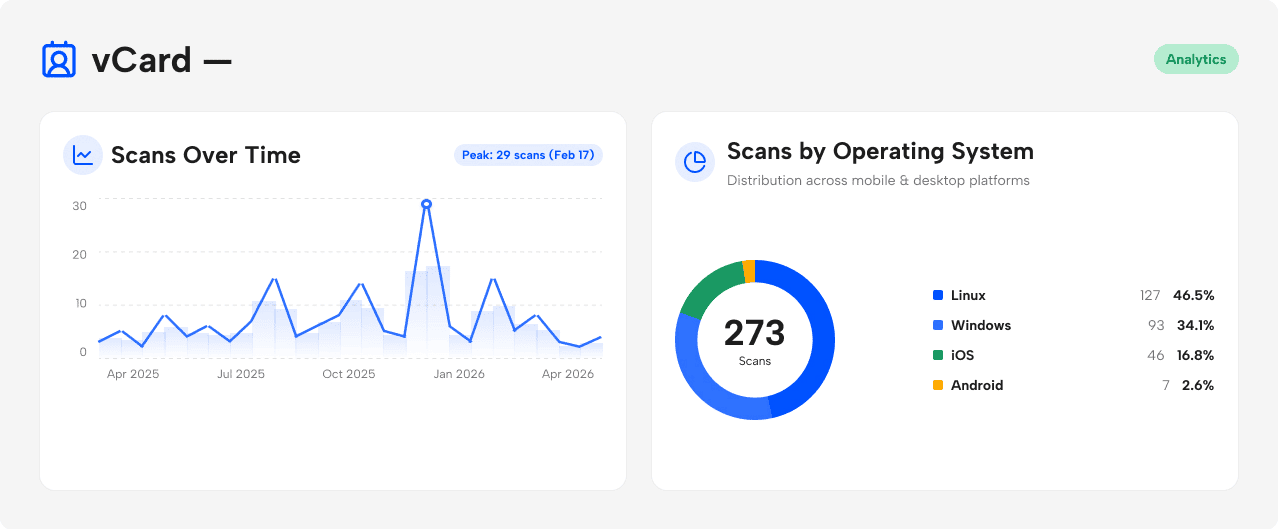 Source: Anonymized first-party QRNow scan data from one home-services customer. Figures represent total scans, not unique users. Device share includes only scans for which operating-system data was available. Data reviewed by the QRNow Product Analytics team. Updated July 2026.
Our vCard QR code customers come from many different industries. University student groups use them to share committee contacts, while instructors and consultants use them to make networking simpler at meetings, conferences, and training events.
One quick scan can give people the key contact details they need to stay connected.
How To Make Your vCard Effective
Find out below how you can get the most out of your digital card to help you network and stay in touch with users and other professionals.
-

Take advantage of one-tap contact saving
Stay in touch with clients easily by placing the code on a business card so they can immediately save your complete contact details directly in their phones. Add a clear CTA like “Message me” or “Schedule a meeting”
-

Highlight your social proof
Add a link to share feedback or reviews of your services or products. Send users directly to positive opinions that show you and your business are trustworthy and high-quality.
-

Optimize for customer service
Present your code as a convenient way to contact your support team if necessary. Users can scan it to get your contact team’s information to resolve an issue in minutes.
-

Use your vCard as a post-meeting follow-up
After a meeting, share your QR code so clients can save your details and find them again later. If you use a dynamic code, you can review anonymous scan activity across the placements or events where the code was shared
Use vCard QR Codes as a professional
Take advantage of a digital contact solution to get clients to reach out to you or another member of your business.
- Sales and account managers: Add your code to proposals and email signatures so that clients can save your details instantly.
- Freelancers: Place it on your portfolio or website so potential clients can contact you easily.
- Consultants and coaches: Add your vCard QR code to workshop materials and slide decks so attendees can save your contact information after the event.
- Customer support teams: Print QR codes on receipts, packaging, or help materials, so customers always know how to reach you.
Dos and Don'ts of Creating a Digital Business Card
When creating your code there are things you should avoid and things you can do to guarantee you make a digital business card that helps you connect with clients.
Take a look at the dos and don’ts to keep in mind when creating your QR code:
-
 Make saving contact info the main action
Guarantee that your code allows users to save your details instantly on both iOS and Android devices.
-
 Adding irrelevant details
Keep your vCard concise and relevant to avoid overwhelming recipients.
-
Test your code on cards and stickers
Check that your vCard can be scanned properly on small business cards and glossy surfaces
-
Including out-of-date information
Regularly update your information to reflect current roles and contact details.
-
Use a dynamic code for changing roles
Generate a dynamic code to easily update any changes to your business’s contact info or job title.
-
Using generic designs
Ensure your card stands out by avoiding templates that lack personality or brand alignment.
-
Use AI for personalization
Take advantage of AI to customize and optimize your vCard layout and content.
-
Download without testing
Test your QR code and links to ensure they work correctly before distribution.
Must‑Have Information for an Effective vCard QR Code
These are the must-have details that allow prospects, partners, or clients to contact you without friction:
- Full name and job title: Helps people remember who you are and what you do.
- Company name: Reinforces your brand and avoids confusion, especially in B2B settings.
- Phone number and email address: Include your primary contact channels and make sure they’re up-to-date.
- Company website: Gives instant access to your services, portfolio, or booking pages.
These details can add context and credibility, as long as they stay concise:
- LinkedIn or professional social media links
- Physical address or service area
- Short tagline describing what you do
For example: “Gym manager” or “Restaurant owner”
Frequently Asked Questions
-
People can save your contact information by simply scanning the code with their smartphone camera or a scanning app.
Once scanned, the device will display your contact details, and users can choose to save this information directly to their phone's address book with just a few taps.
-
Yes. With a vCard QR code, you can update the information displayed on your digital contact card without reprinting the QR code. Future visitors will see the latest published details. Contact records that people previously saved to their phone do not update automatically, so they may need to scan and save the contact again.
-
To embed a photo or logo into a vCard QR code, use QRNow’s QR code generator that supports custom designs.
Upload your image or logo during the creation process, or even use our AI tool. Using our generator will adjust the design to keep the code’s ability to be scanned, typically by placing the image in the center or as a background element.
-
Creating a single code for multiple vCards isn't currently possible, as each QR code typically carries a single set of contact information.
However, you can create a code that links to a webpage or cloud storage containing multiple vCard files. This way, users can access and download multiple contacts from one scan.
